Monado-VROOM
Table of Contents
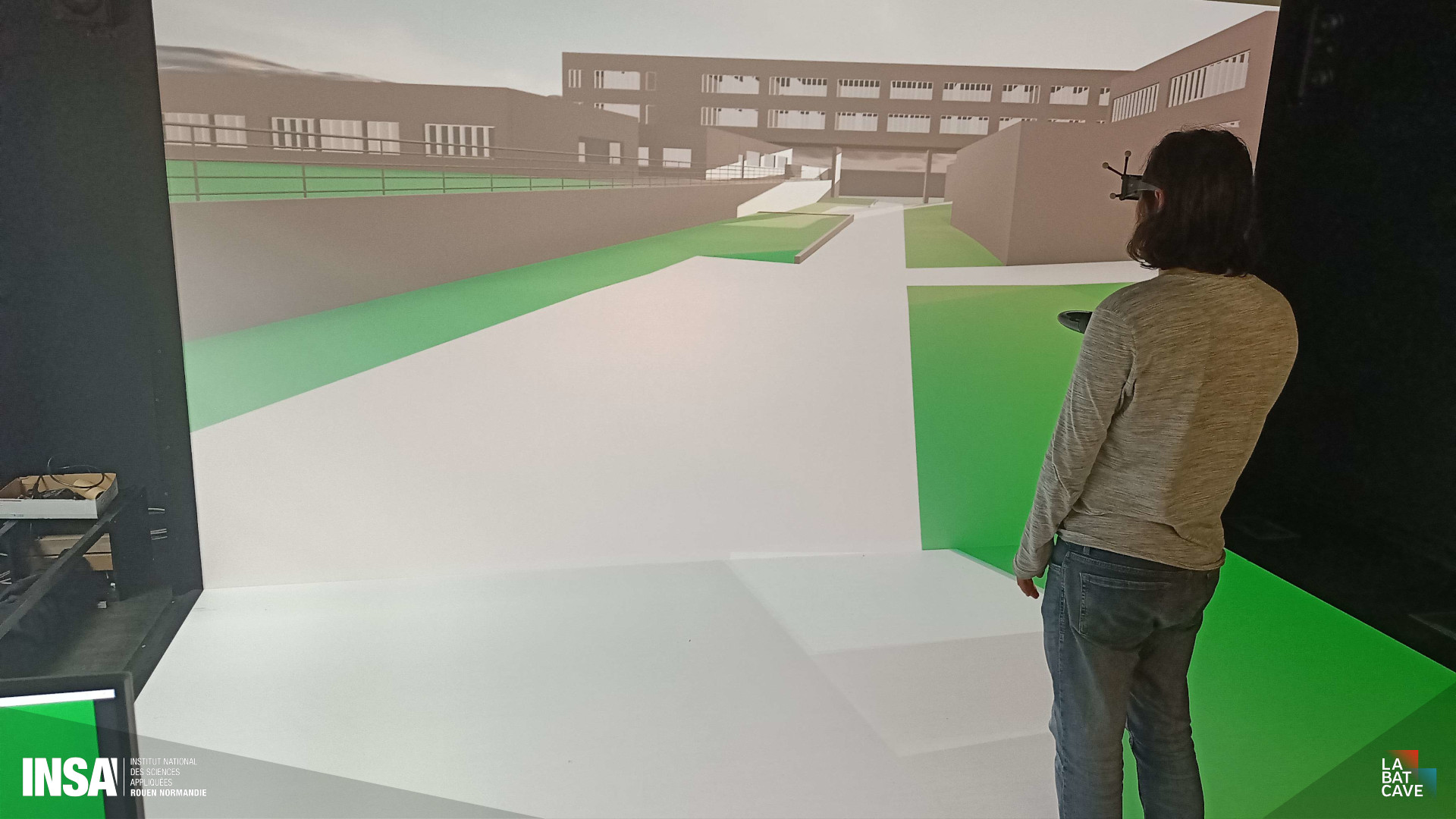
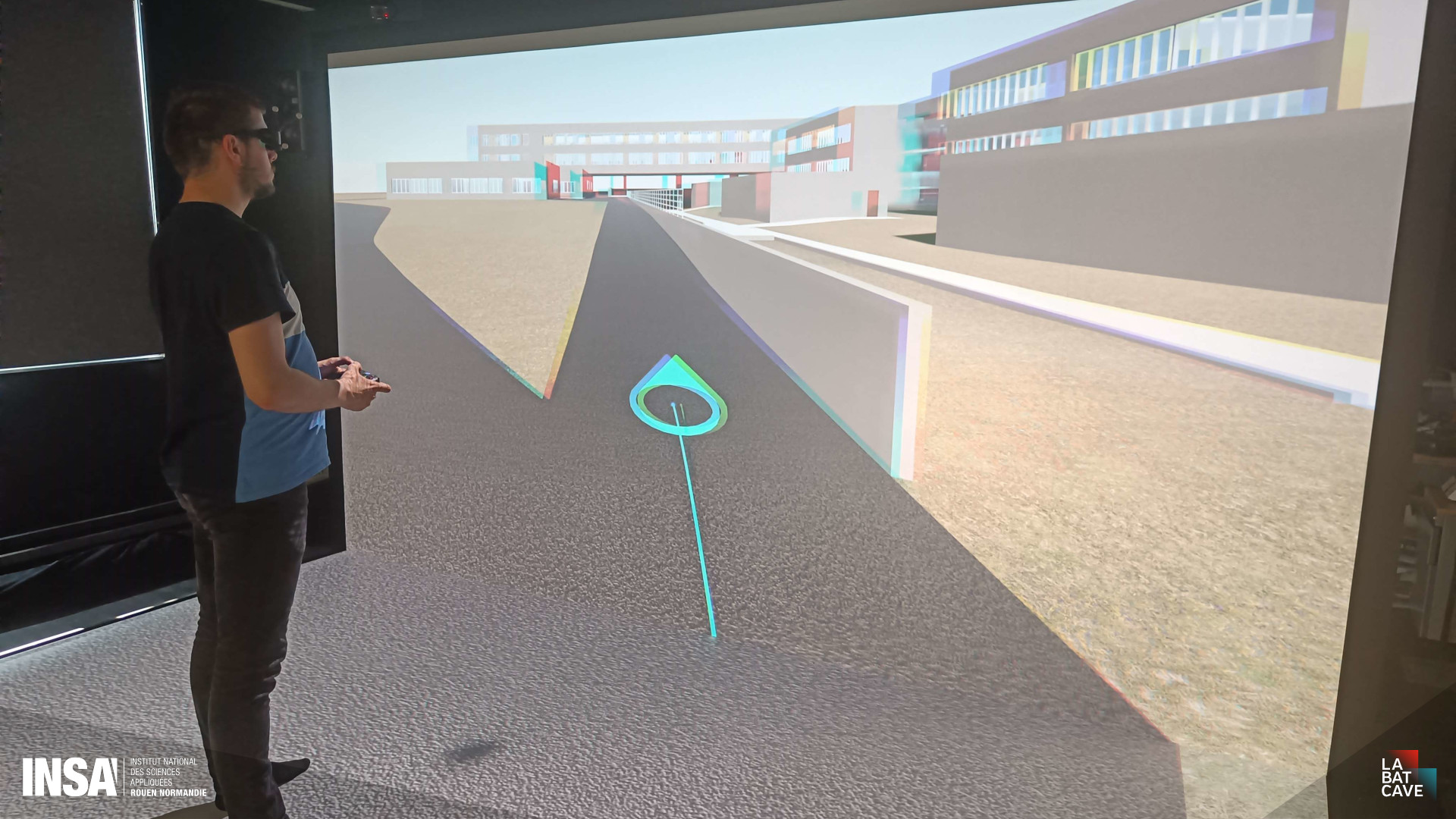
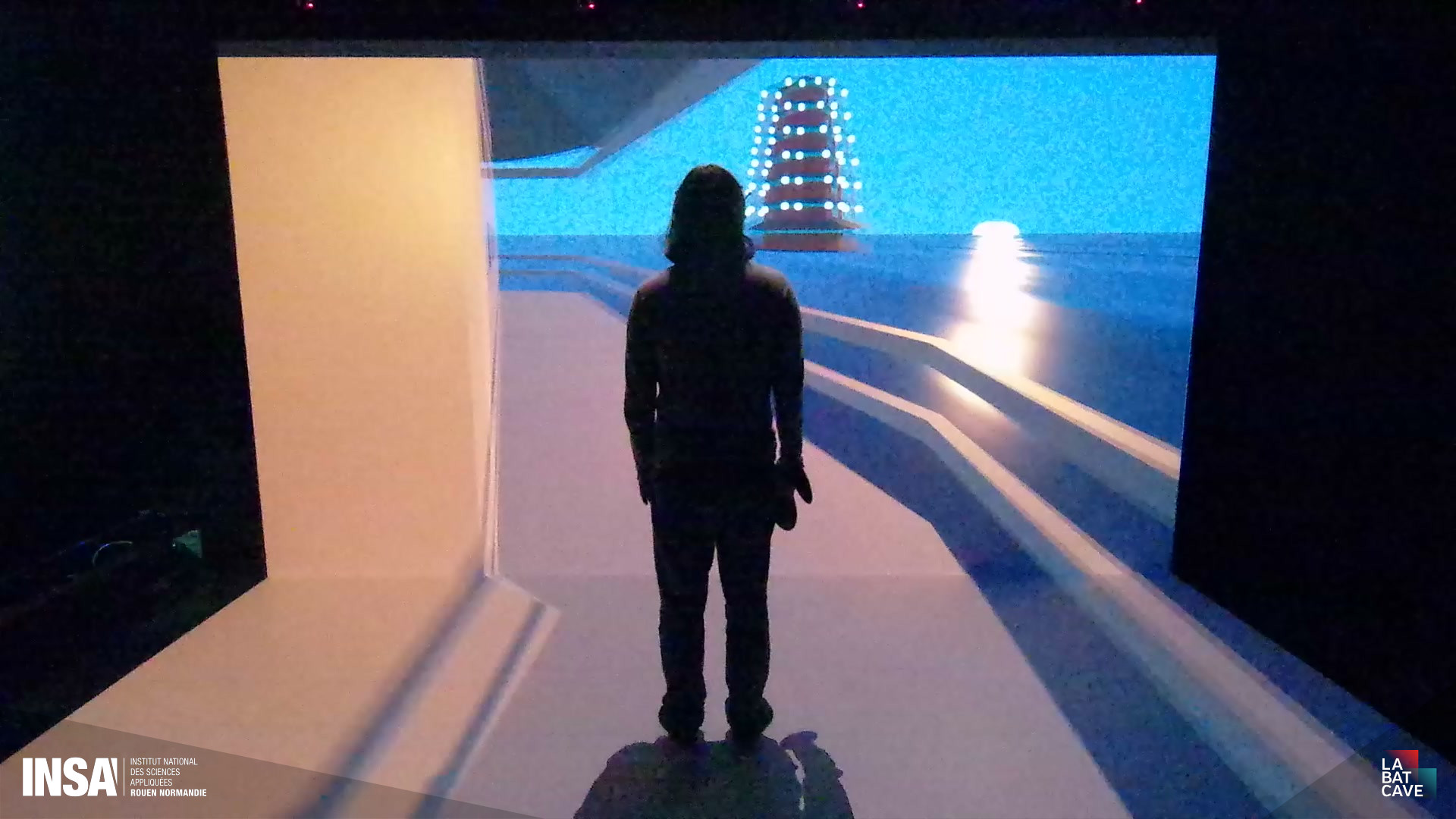
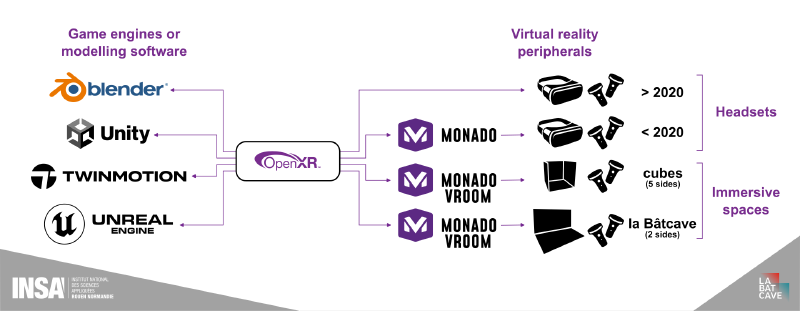
VROOM is a runtime for projected virtual reality environments (CAVE, immersive cube…). Based on Monado, VROOM follows the OpenXR standard and is compatible with any client software implementing the standard.
Download Monado-VROOM #
Download Monado-VROOM 2026.07.0Changelog for this version
- New: ability to invert eyes individually per display
Previous versions are available at the link at the end of this page.
Use case #
Created in 2019, the OpenXR standard defines the communication rules between virtual reality software and available hardware. This standard allows any conformnat software to display its 3D content in virtual or mixed reality without needing to worry about the connected headset. It has been unanimously adopted by virtual reality headset manufacturers, ensuring software portability.
That being said, these manufacturers only maintaint OpenXR compatibility with their newest headsets, making their older hardware obsolete. Monado, an open-source runtime maintained by the Collabora consortium, provides OpenXR compatibilty beyond the official support of manufacturers, with cross-platform support for these obsolete headsets.
The structure of Monado also allows any developer to add compatibility to their hardware. This allowed us, for the INSA 2025 project, to modify Monado and make it compatible with the various immersive rooms of INSA, as well as all types of projected VR environments.
Features #
User positional tracking and anamorphic rendering #
VROOM is compatible with the ART DTrack and OptiTrack (via VRPN) tracking systems to follow the position of the pilot as well as that of their hands.
This continuous positional tracking lets VROOM calculate the required deformation for anamorphic rendering, since in projected environments, the pilot’s position relative to the displays is not fixed.
Stereoscopy #
To provide an illusion of depth, VROOM renders slightly different images per eye, considering the gap between our eyes. With the help of the Vulkan graphics API, these calculated images are presented alternating left and right eye, and active 3D glasses then separate the left and right images for our eyes.
Interaction #
To interact in the 3D scene, VROOM uses a pair of Joy-Con controllers, on which the buttons have been configured to map to an Oculus Touch controller, to ensure maximum compatibility with existing software.
Gallery #